
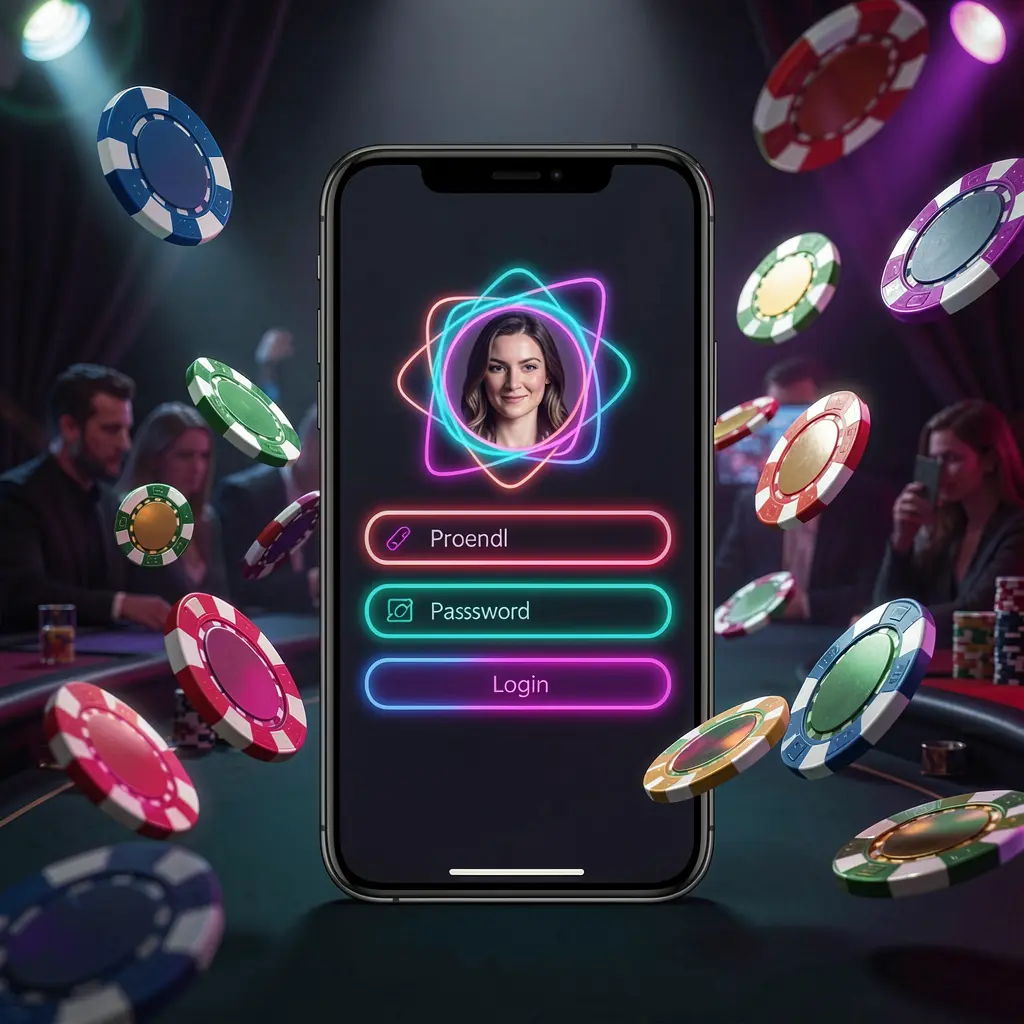
OG444 Login & Registration
Whether you are returning to OG444 or opening an account for the first time, the access process should be straightforward. Keep your registered details nearby, use a private connection, and take a moment to check each field before submitting the form.
🔐 How to Log In to OG444
To access an existing account, open the official OG444 login page and select the sign-in option. Enter the username, phone number, or other credentials linked to your account, followed by your password.
- Check that your username or registered number is entered correctly.
- Enter your password carefully, including any letters, numbers, and symbols.
- Avoid saving login details when using a shared device.
- Confirm your internet connection before trying again after an error.
After a successful sign-in, review your account area before continuing. If the page does not open as expected, refresh once and make sure you are using the official access link.

📝 Creating a New Account
New users can start by choosing the registration option from the OG444 access page. Provide accurate contact information, because it may be needed later for account confirmation or password recovery.
- Open the registration form from the OG444 login page.
- Choose a unique username that you can recognize later.
- Create a strong password that is difficult for others to guess.
- Enter your active phone number or email address carefully.
- Read the displayed terms, confirm your details, and submit the form.
If a verification step is shown, complete it before attempting to sign in. Store your username securely and avoid using the same password that protects your email, banking, or social accounts.
🔑 Resetting a Forgotten Password
A forgotten password does not mean you need a new account. Select the password recovery link on the login screen, then follow the prompts using the phone number or email registered to your account.
Choose a new password that is different from the old one and is not easy to predict. If you cannot access your registered contact method, contact the official support channel and be prepared to complete any ownership checks requested.
📱 Logging In on Mobile Devices
You can access the OG444 login page through a mobile browser when using a phone or tablet. Use an updated browser, avoid public Wi-Fi where possible, and make sure your device has a screen lock enabled.
For easier access, bookmark the official page rather than relying on links from messages or social posts. This helps reduce the chance of entering your details on an imitation page.
🛡️ Account Safety and Security Tips
Good account security depends on small habits that are easy to follow. Treat your login details and any verification codes as private information at all times.
| Security step | How it helps |
|---|---|
| Use a unique password | Reduces risk if another account is compromised. |
| Keep verification codes private | Prevents others from authorising access in your name. |
| Sign out on shared devices | Stops the next user from opening your account. |
| Check the website address | Helps you avoid misleading copies and phishing pages. |
Never send your password or one-time verification code through chat, email, or social media. Official support may help with access issues, but account credentials should remain under your control.
❓ Login Problems and Practical Fixes
Most sign-in problems can be resolved with a few basic checks. Start by confirming your details, then try the recovery process if you are still unable to access the account.
- Incorrect password: use the password reset option and create a new one.
- Page not loading: refresh the browser or try another stable connection.
- Verification code missing: confirm your registered contact details and request another code.
- Account access restricted: contact official support for account-specific guidance.
Do not repeatedly guess passwords, as this can lead to temporary access restrictions. Keep gambling recreational and for adults only. Set personal spending limits, take breaks, and never use money needed for essential expenses.
Frequently Asked Questions
How do I log in to my OG444 account?
Open the official login page, enter the credentials connected to your account, add your password, and select the sign-in option.
Can I create an OG444 account from my phone?
You can open the registration page in a mobile browser and complete the form using your active contact details.
What should I do if I forget my password?
Choose the password recovery link on the login screen and follow the instructions sent to your registered phone number or email.
Why is my login not working?
Check your username, password, connection, and any verification requirement. If the issue continues, use the official support channel.
How can I keep my account secure?
Use a unique password, do not share verification codes, sign out on shared devices, and access OG444 only through its official page.